
Google Play Store PC
Google Play is Google's digital distribution platform. On Windows, Google offers Play content through the browser and Google Play Games on PC.
52.9 MB
Total Commander is a two-panel file manager for Windows by Christian Ghisler, based on the Norton Commander idea and sold as shareware.
Average 0.0 · ratings: 0
Thank you! Your rating is saved; you can change it. Could not save the rating. Please try again later. Too many ratings from your network today. Please try again tomorrow. The average appears after 5 ratings.
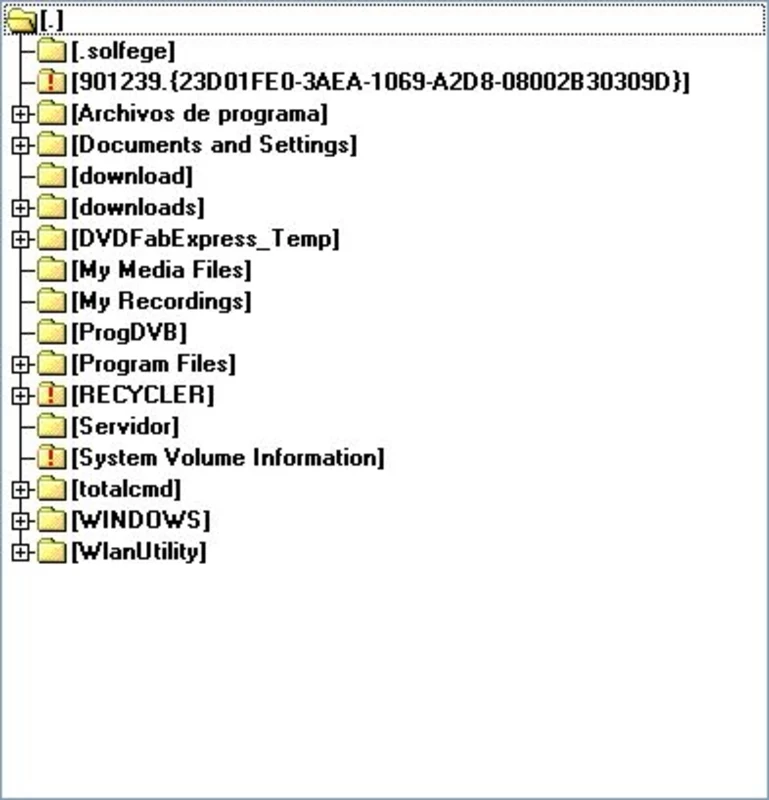
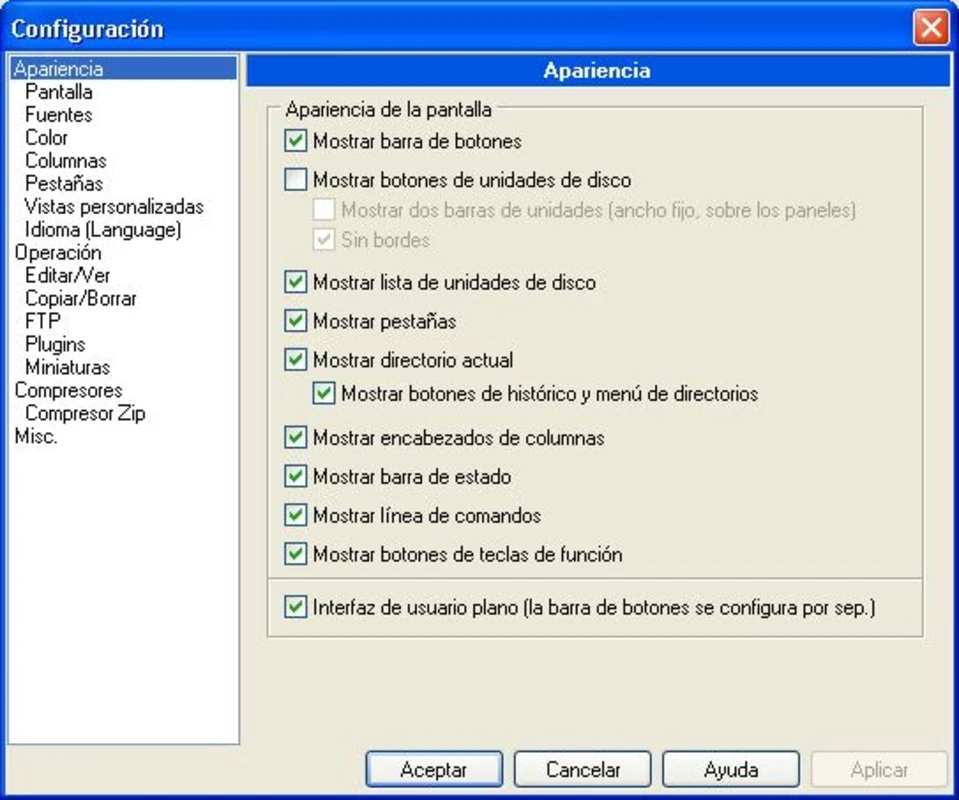
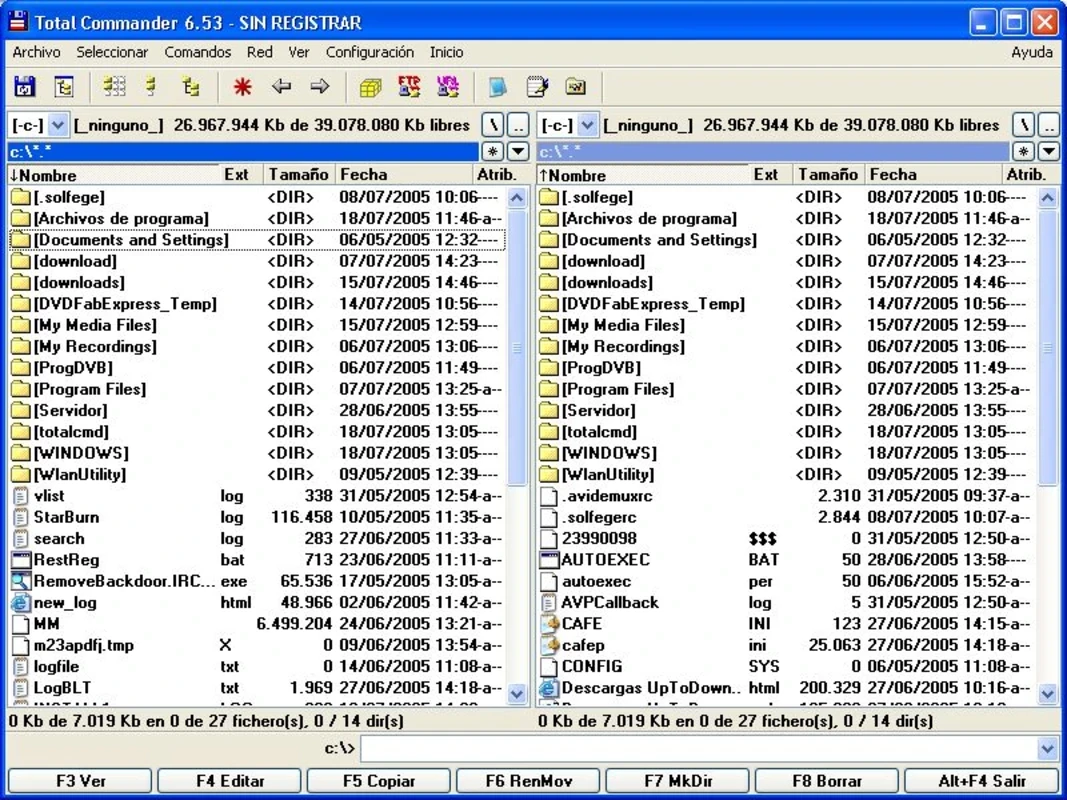
Total Commander 11.58 is a two-panel file manager for Windows by Christian Ghisler, released on 1 July 2026. You can download Total Commander from the developer's site and try it before buying a licence, as it has been sold as shareware since the first version in 1993.
| Item | Details |
|---|---|
| Version | 11.58 (1 July 2026) |
| Developer | Christian Ghisler |
| First release | 25 September 1993 |
| Type | Orthodox file manager, based on Norton Commander |
| Platforms | Windows; versions also exist for Android and older Windows Mobile |
| Architectures | x86, x86-64, ARM |
| Written in | Delphi, Object Pascal |
| Licence | Shareware |
| Size | about 7.11 MB according to catalogue data |
Total Commander belongs to the family of orthodox file managers that grew out of Norton Commander: two panels side by side, each showing a folder, and a row of commands at the bottom. You copy or move files from one panel to the other with a key press, and the keyboard is often faster than dragging with the mouse. For people who work with many files every day, such as developers, administrators or photographers sorting shoots, this layout saves a lot of switching between Explorer windows. The program has been developed by one author for more than three decades, which shows in its consistency: shortcuts learned years ago still work today. Its compact size is another sign of that approach. Recent builds went through several release candidates before the final 11.58, and the full history of changes is kept in the official change log.
Total Commander is shareware: you may test the full program, and a paid licence is expected for continued use. Prices and licence terms are listed on the developer’s site.
If you mostly open a few documents from the desktop, Explorer is enough. Total Commander pays off when you move, compare and rename files every day, work with archives or FTP servers, or keep two locations open at once. Give it a week with the keyboard shortcuts before judging; the benefit comes from habits, not from a quick glance.
Download only from ghisler.com. Cracked copies and "portable packs" with extra plugins from other sites are a common way to hide malware, and they get no updates.
On our site, other Windows tools for working with files and disks include UltraISO for disc images, Folder Lock for protected folders and Rufus for bootable USB drives. For a two-panel file manager, Total Commander is the one we list.
Google Play is Google's digital distribution platform. On Windows, Google offers Play content through the browser and Google Play Games on PC.
Media Creation Tool is a free Microsoft utility that downloads Windows and turns it into a bootable USB flash drive or an ISO file.

LDPlayer is an Android emulator for Windows that runs mobile apps and games on a computer.

BlueStacks is an Android emulator for Windows that lets you run Android apps and games on your PC.
Rufus is a free Windows utility that turns a USB stick into a bootable installer. The current version is 4.15.

PC App Store is a free software store for Windows from Baidu for finding, installing and updating PC programs. This page covers version 5.0.1.8682.

Uptodown App Store for Windows is the desktop client of Uptodown, a marketplace for desktop software and mobile apps. This page covers version 1.0.3.
NoxPlayer is a free Android emulator from Bignox for Windows and macOS that runs mobile games and apps on a computer with keyboard and mouse control.